
CAD, orthophoto, and technical delivery
Drone images in. CAD and orthodata out.
We turn drone captures of roofs, buildings, and assets into usable as-built data. Instead of raw-file chaos, you receive CAD files, orthomosaics, and a structured delivery for documentation, planning, and alignment.
First project €0 · then from €45 depending on format · standard projects in 24–48 h
Model in the browser
Look first, then decide.
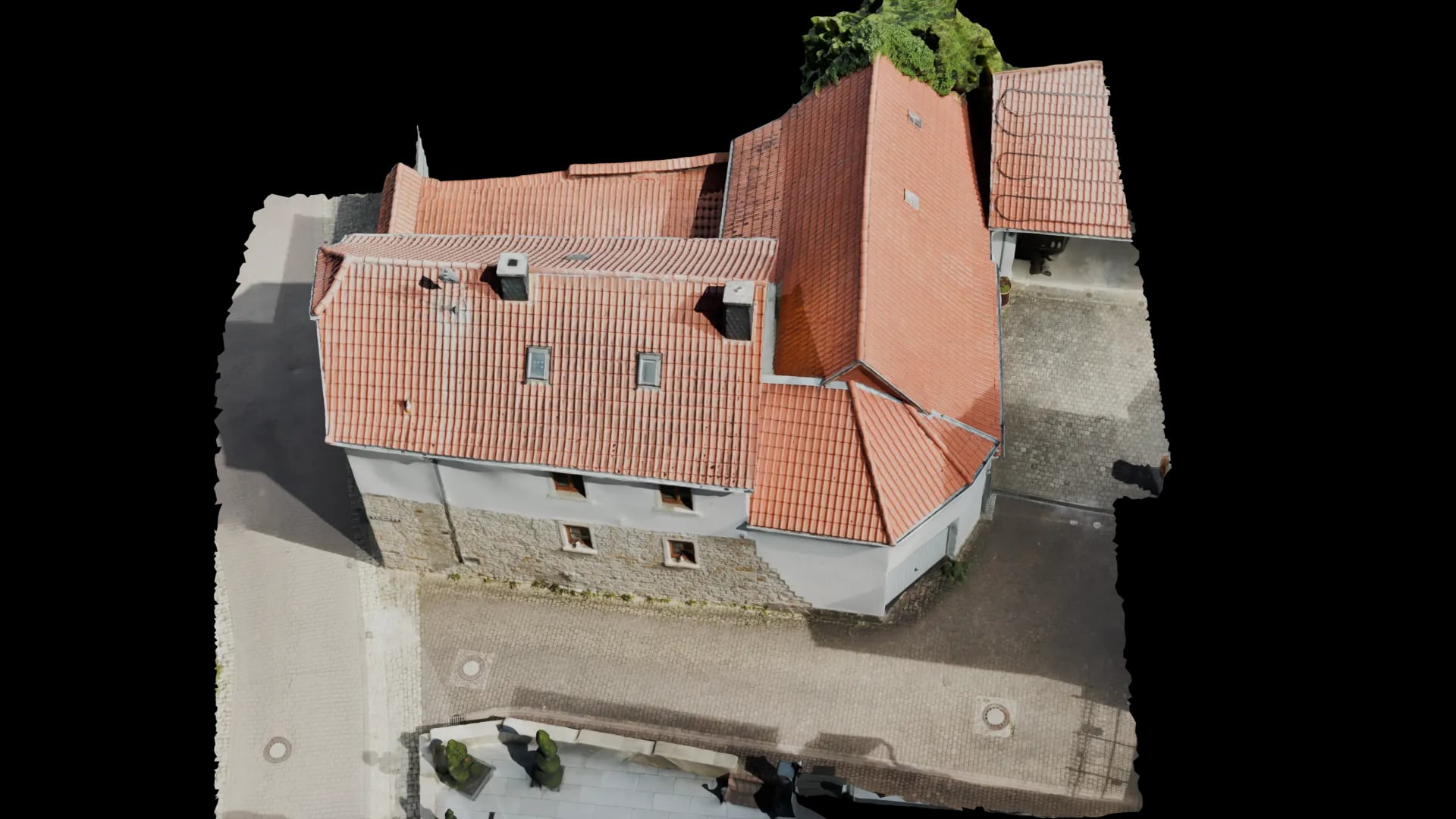
On the left a still of the finished model, on the right the same model as a 3D view in the browser. Drag the slider and turn the roof yourself.
- Input
- Drone photos
- Review
- A person checks every model before it ships.
- Delivery
- Browser link · PV*SOL · DWG
- Secure online payment
- No subscription for single projects
Ready to order
Start CAD model directly.
Review the price, pay securely, then receive the upload link. For edge cases, we review the dataset before weak image sets are processed.
€225
up to 1,000 m². Pre-calculated: €225
CAD-ready file
3D view in the browser optional
For as-built, planning, and renovation
Outcome
What you get
- Input
Drone imagery
Existing captures or flights made against a clear capture checklist.
- Processing
3D + preparation
Photogrammetry, model cleanup, georeferencing, and export preparation.
- Result
CAD / orthophoto
Reliable files for as-built records, documentation, and downstream planning.
CAD files
Built for real documentation and CAD workflows
We do not split the offer into artificial industries. We split it by the file your team needs next.
01
2D CAD for flat roofs and as-built records
When roof edges, rooftop equipment, penetrations, or project boundaries need to be documented as a clean 2D drawing.
- 2D drawing for planning and coordination
- Useful for tendering, as-built records, and early-stage planning
- Structured delivery instead of unorganized raw imagery
02
3D CAD for technical coordination
When the existing condition needs to be handed over as usable 3D geometry rather than only a flat representation.
- 3D basis for more complex as-built and planning cases
- Supports technical clarifications and downstream trades
- 3D view in the browser can be added for approvals
03
Georeferenced orthomosaic
For teams that need a visually clear, scale-stable 2D base for surveying, coordination, or documentation.
- Georeferenced image base for project coordination
- Useful for SPT-adjacent workflows, as-built reviews, and reporting
- A shared reference layer for multiple stakeholders
04
Custom exports and target formats
When the project does not fit a standard package but still needs clean delivery to the next tool or team.
- Export aligned with the downstream workflow
- Structured delivery instead of a folder dump
- Suitable for custom technical processes
Two tracks
Document the existing state or hand it off directly
The same pipeline can support documentation, technical delivery, or both. What decides is the file you need.
Documentation and as-built records
For teams that need to capture the current state of a roof, building, or site cleanly and pass it on internally or externally.
- Orthomosaic as a shared reference
- 2D drawings for as-built capture and coordination
- 3D view in the browser or still images for coordination
- Useful for reports, planning, and approvals
Technical delivery
For cases where the result is not only reviewed but continued in AutoCAD, SketchUp, or downstream technical work.
- 2D or 3D CAD depending on scope
- Clean file structure for delivery
- Orthobased additions when useful
- In the agreed format, e.g. DWG or DXF
Process
How a CAD or orthophoto project works
Usable project foundations only emerge after checked processing, not from raw imagery alone.
Define format and scope
We clarify whether the project needs a 2D drawing, 3D geometry, an orthomosaic, or a combination.
Review the dataset and reconstruct
The drone imagery is checked for coverage and suitability before we build the technical basis for export.
Prepare for documentation or CAD
Depending on the target, we produce orthodata, 2D or 3D geometry, or additional project-specific deliverables.
Structured delivery
You receive more than intermediate files. You get an ordered delivery shaped for documentation, coordination, or planning.
Software & delivery
What gets delivered
These are the most requested deliveries when teams need a reliable as-built state or a technical export from drone imagery.
2D / 3D CAD
When a drawing or geometry package needs to carry the next step in planning or documentation.
- 2D or 3D drawing depending on scope
- In the agreed format, e.g. DWG or DXF
- Clean basis for follow-up planning and clarifications
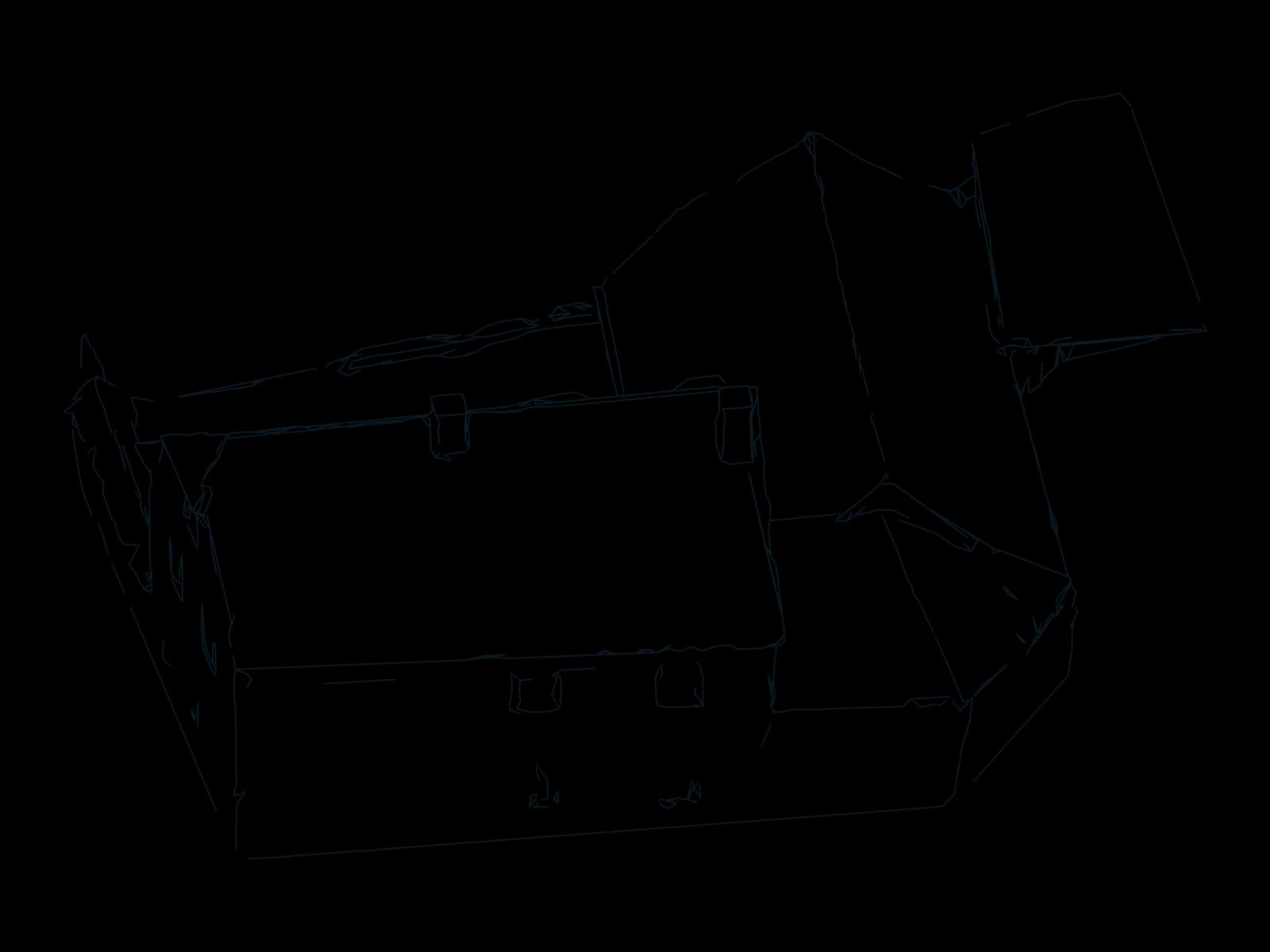
Edge drawing · real model Orthomosaic and georeference
When a visually clear, scale-stable existing-state layer is needed for overview, coordination, or SPT-adjacent workflows.
- Orthomosaic as a shared image reference
- Georeferencing depending on project needs
- Useful for documentation and alignment
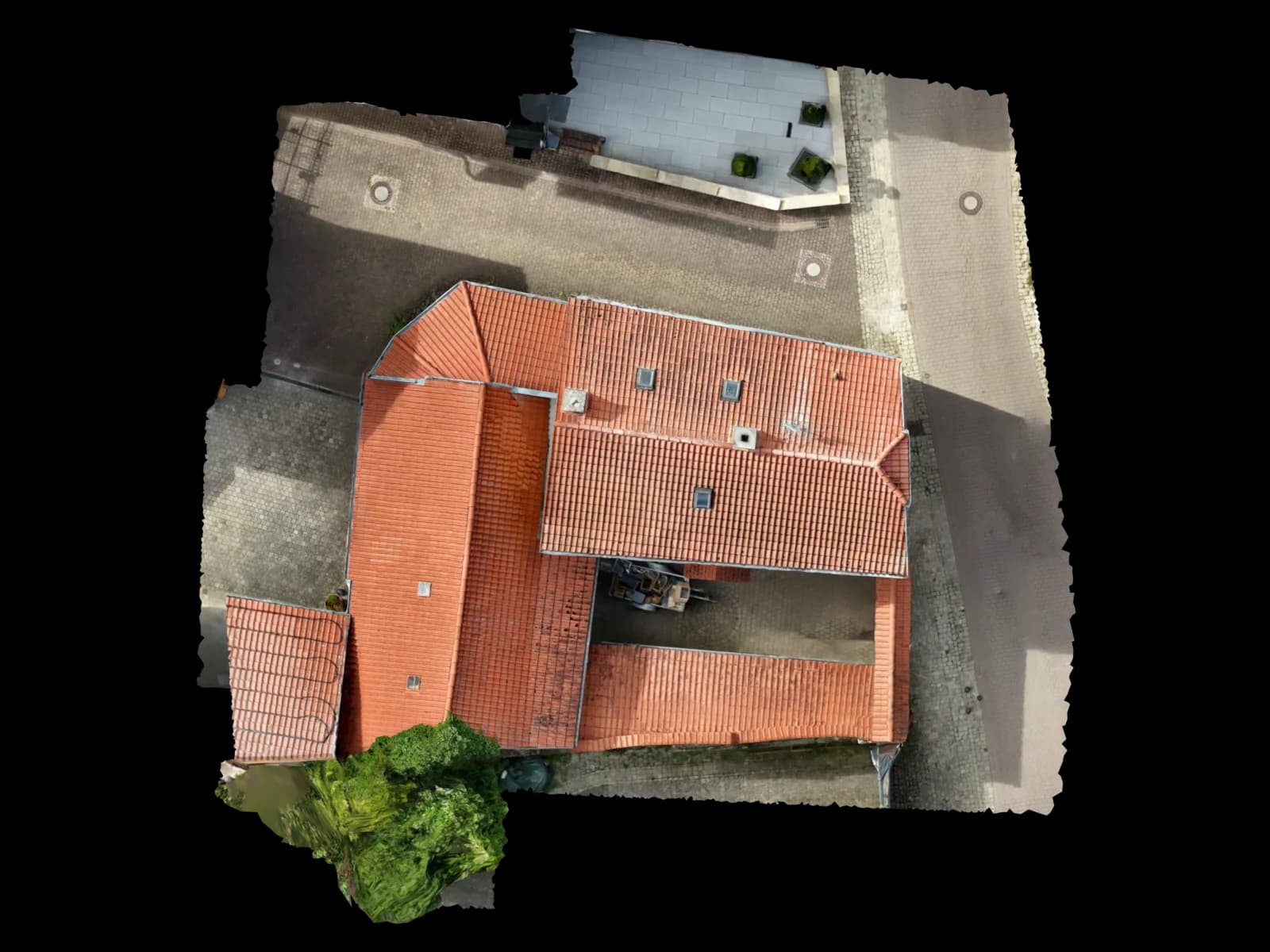
Top view · real model Structured project delivery
When several stakeholders need to understand quickly what was delivered and how it should move forward.
- Clearly named files and folders
- 3D view in the browser or still images when helpful
- No unchecked raw data as the end product
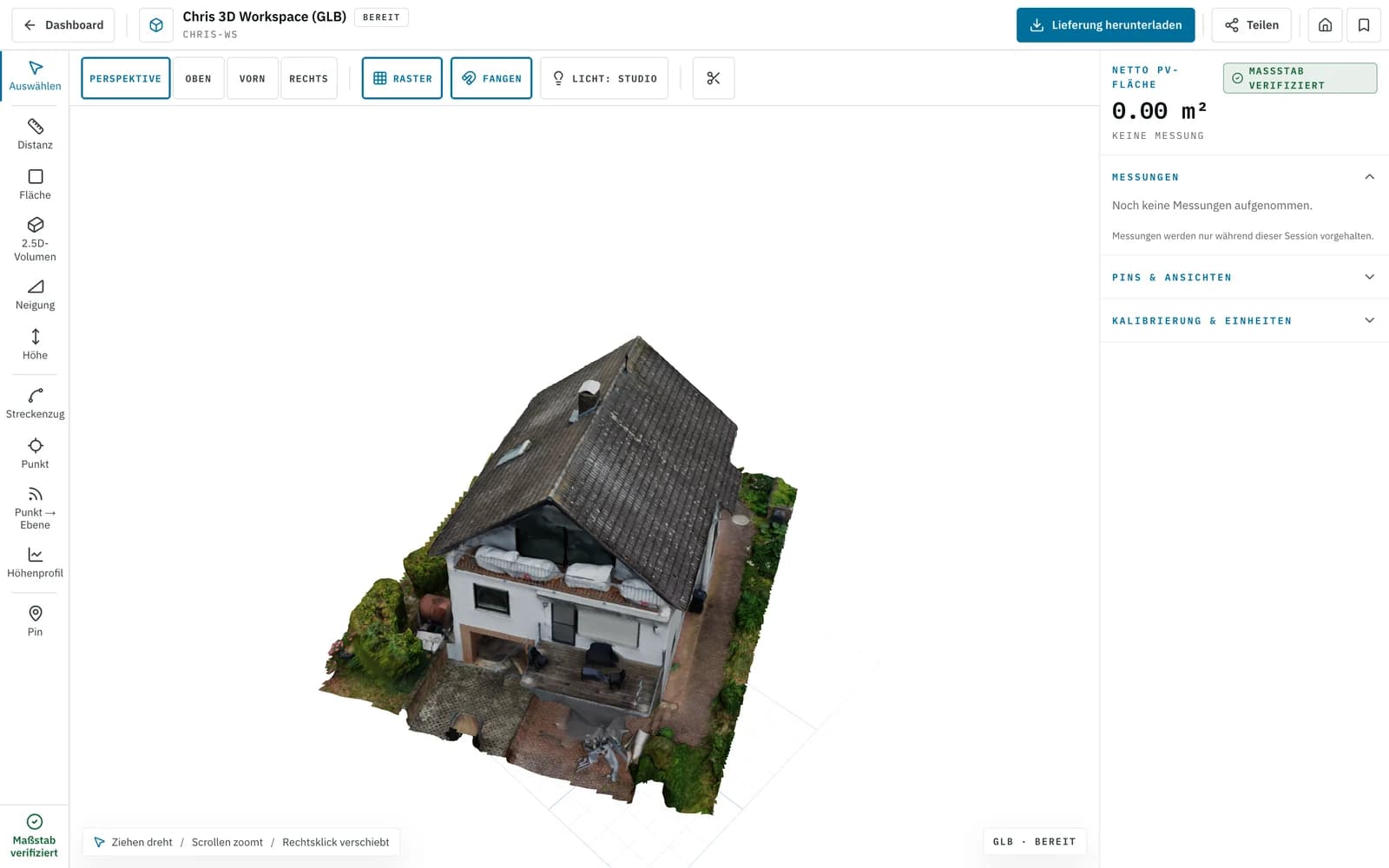
Screenshot · 3D viewer
What exactly ships depends on dataset quality, accuracy requirements, and the agreed downstream process.
FAQ
Frequently asked questions about CAD and orthophoto
Do I automatically receive CAD and an orthomosaic together?
Is this suitable for as-built records and tendering?
Is this a replacement for classic surveying?
Can custom exports or special formats be handled as well?
More Solutions
Next step
When drone imagery needs to become a reliable as-built record
Send the dataset or describe the file you need. We will tell you clearly whether 2D CAD, 3D CAD, orthophoto, or a combination makes sense.
First project without a credit card · then from €45 per project · no subscription needed
Open pricing