
Why BCF matters for as-built 3D models
Projects lose time when model questions are shared as screenshots, emails or chat messages. Screenshots often miss the actual model state, camera position, element reference or status. The BIM Collaboration Format from buildingSMART was created for model-based issue communication.
For image-based as-built models this is especially useful. A photogrammetric mesh, point cloud, orthophoto or IFC delivery can show geometry and uncertainty: hidden roof areas, weak facade coverage, changed openings or conflicts with planned equipment.
Voxelia uses BCF as a delivery layer, not as drone marketing. Supplied imagery becomes a model state, and critical points are documented so planning teams can review them in context.
What BCF stores technically
buildingSMART describes BCF as an open standard for communicating model-related issues. Typical data includes topic, comments, status, screenshots, viewpoints and references to model elements. Current workflows exchange BCF either as files or through a BCF API.
The practical difference is simple: a screenshot only shows what someone saw. A BCF issue can also preserve where the question sits in the model, which camera view is meant, which elements are involved and whether the item is open, checked or resolved.
BCF pairs well with IFC. IFC carries the model and object structure; BCF carries the review and coordination around that model state.
Where imagery and photogrammetry fit
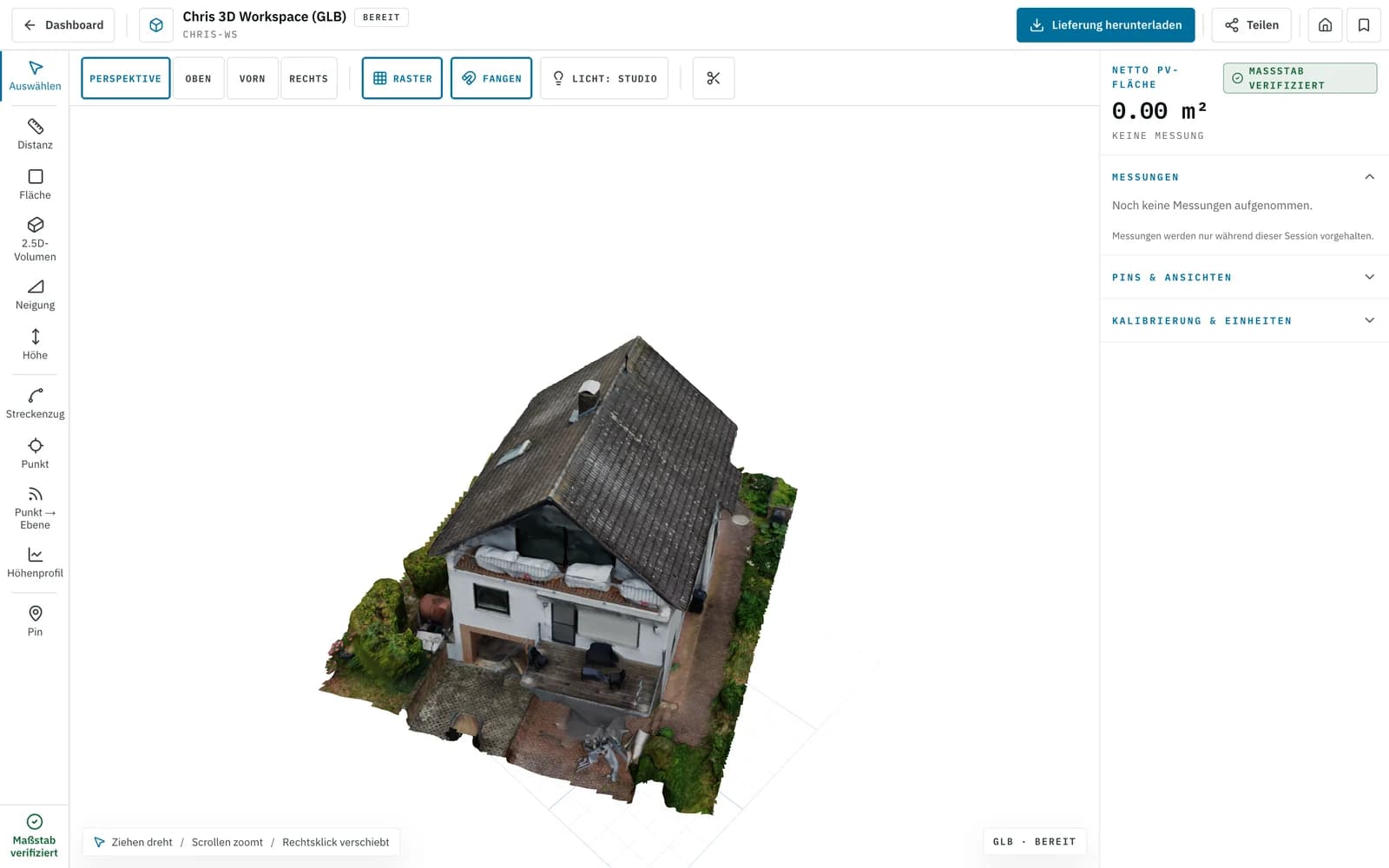
At Voxelia, the process often starts with supplied imagery: roof photos, facade images, aerial images, courtyard views or ground-level detail shots. Depending on the dataset, outputs can include mesh, point cloud, orthophoto, CAD geometry, IFC-oriented structure or a web viewer.
BCF becomes useful when the model needs review. If imagery shows a roof feature that matters for PV planning but one side has weak coverage, that location can become an issue instead of being treated as unquestioned geometry.
The result is an honest delivery: reliable areas become usable, open questions remain visible.
Review points that belong in BCF
Useful BCF topics are tied to a model location, a responsibility or a decision.
| Review point | Practical case | Useful output | Risk without context |
|---|---|---|---|
| Unclear roof edge or parapet | The roof edge is visible, but shadows or missing coverage reduce confidence. | BCF issue with viewpoint, screenshot and note for the CAD/PV delivery | Wrong module offsets, unclear parapet height or unreliable sub-areas |
| Facade opening differs from plan | Imagery and plan state do not match. | Issue with model view, affected facade and review note | Incorrect quantities or scaffold planning assumptions |
| Obstacle or service element | Vent, skylight, chimney or antenna affects PV, roofing or crane planning. | Viewer marker plus BCF topic for specialist planning | Collision, wrong exclusion zone or missing clearance |
Workflow from imagery to BIM coordination
A BCF-ready delivery comes from clear decisions across the model workflow.
Review imagery and target output
We check overlap, sharpness, perspectives, metadata and references before defining the realistic deliverable.
Derive the 3D model and delivery
Depending on the project, the output is a mesh, point cloud, orthophoto, CAD geometry or structured model context.
Mark review points as issues
Unclear edges, likely clashes, model limits and decisions are documented with viewpoint, description and priority.
Hand over viewer, BCF or BIM delivery
The customer receives a usable model state with the right exports and coordination notes for the planning workflow.
Limits: what BCF does not replace
BCF is not a measurement method or quality guarantee. It improves traceable communication, but it does not replace clean imagery, survey control, engineering checks or professional decisions.
BCF also does not make model geometry more accurate. If an area is hidden in the images, an issue can document uncertainty, but it cannot solve the missing data.