
What 3D PV shading analysis actually provides
Shading analysis is not just a visual check for shadows. PV planning needs to know which roof zones are affected by real obstructions and whether that information can be handed off as usable geometry.
Voxelia turns supplied imagery into 3D models, orthophotos, CAD deliverables, or viewers. The value is in preparing image data for planning, not in selling drone flights.
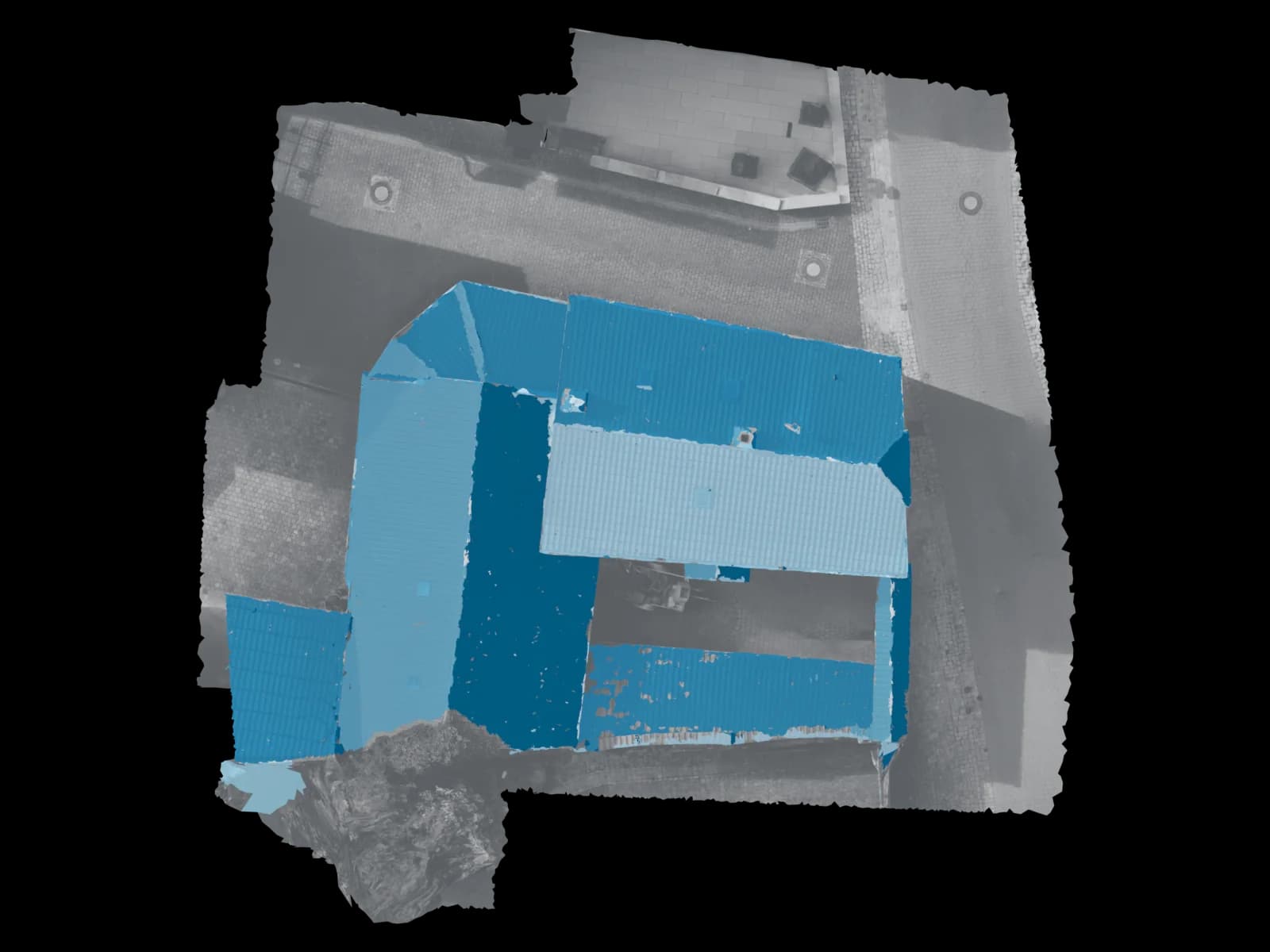
Required data for a dependable shading basis
The dataset must show the roof and the objects that cast shadows. A set of images that only shows the module field cannot model a nearby chimney or higher neighboring roof outside the frame.
Relevant inputs include scale, orientation, roof pitch, obstruction height, and whether the local terrain horizon matters.
| Scenario | Photogrammetry | Laser scan | Recommendation |
|---|---|---|---|
| Chimneys, dormers, vents, parapets | Very suitable | Usually not required | Derive a 3D roof model with obstruction heights and exclusion zones |
| Neighboring building casts shade | Suitable if visible | Only for missing geometry | Capture or provide the roof context, not only the target building |
| Bankable yield forecast | Geometric basis | Geometric basis | Use PV simulation software and weather data in addition |
Workflow from supplied images to PV shading basis
The workflow starts with the planning target: layout check, CAD deliverable, viewer, or PV simulation input.
Review imagery and planning target
Check visibility of roof planes, obstructions, ridges, eaves, and neighboring geometry.
Stabilize scale and orientation
Use references, EXIF/GPS, GCPs, or existing CAD data where available.
Reconstruct roof model and obstructions
Generate a robust reduced geometry instead of an unnecessarily heavy visual mesh.
Prepare PV delivery
Deliver viewer, CAD, orthophoto, mesh, or documented exclusion zones depending on the workflow.
Useful outputs for solar teams
A useful shading analysis is a planning dataset, not just a colored image.
| Format | Best for | Practical note |
|---|---|---|
| 3D roof model | Module layout and obstruction review | Strong when roof obstructions are cleanly simplified |
| Orthophoto / roof plan | Exclusion zones and documentation | Requires stable scale and projection |
| DXF / DWG | CAD planning | Useful for technical layout teams |
| OBJ / FBX / GLB | Viewer or PV software import | Import support depends on the target tool |
Limits of yield statements
A 3D model can provide the local geometry for shading. Yield forecasting additionally requires weather data, system parameters, module and inverter data, soiling, wiring, and a simulation model.
NREL SAM describes external shading as irradiance reduction caused by nearby objects such as trees, buildings, roof obstructions, and other nearby elements.
Sun position, horizon, and source logic
Shading depends on sun position. NOAA provides azimuth and elevation for location, date, and time.
NREL SPA is a key reference for solar radiation applications, while PVGIS adds site-specific radiation and horizon handling. The 3D model describes local visible geometry; simulation tools handle yield modeling.