
Why NeRF vs photogrammetry matters for real projects
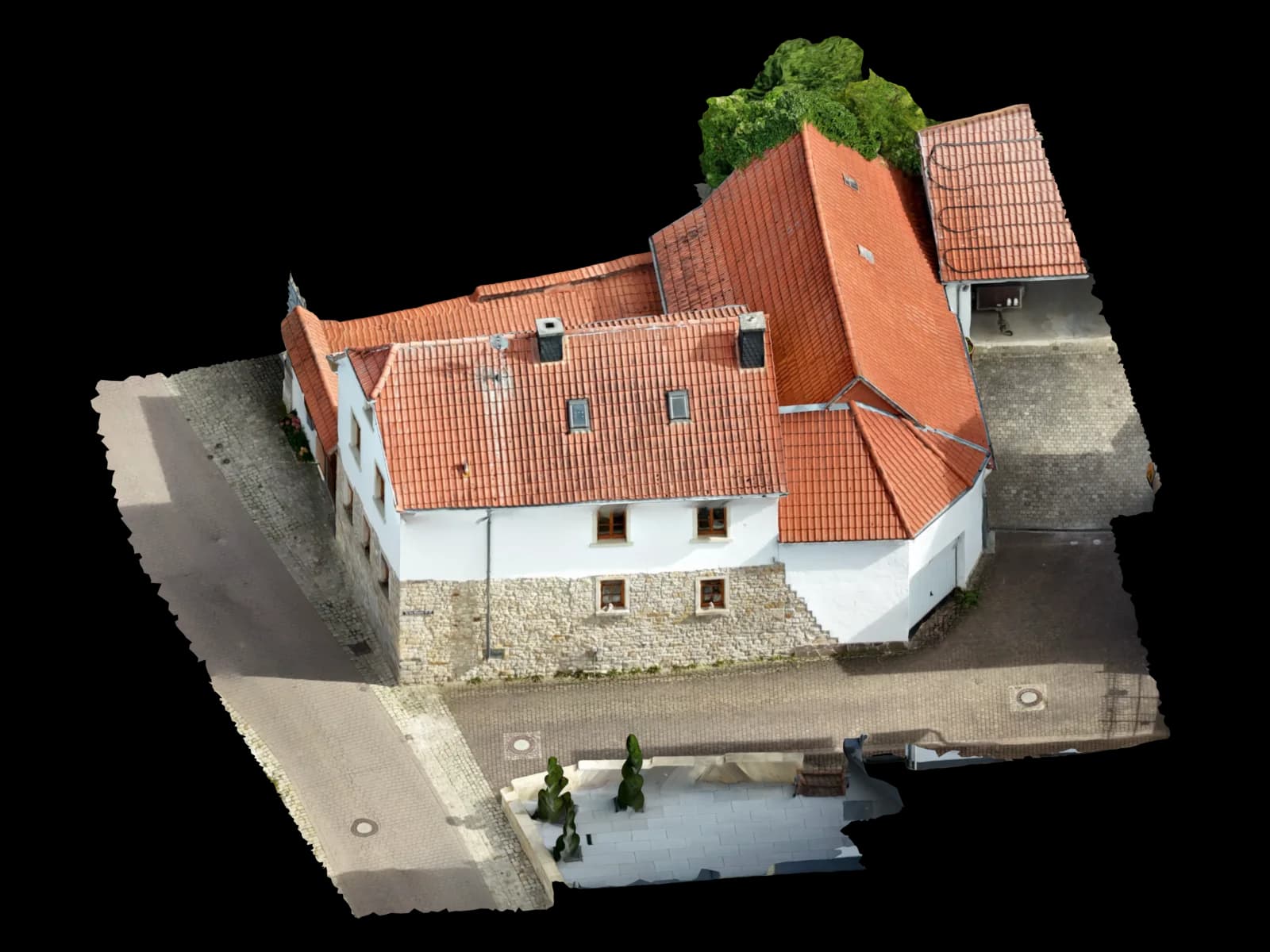
The search intent behind “NeRF vs photogrammetry” is rarely academic. Architects, solar planners and survey-oriented teams want to know whether modern AI reconstruction can replace a measurable 3D model from photos.
The short answer is: sometimes for visual inspection, rarely as a direct CAD or BIM replacement. The original NeRF paper describes view synthesis from posed images, while COLMAP describes the classic photogrammetry path: camera poses, sparse structure and dense reconstruction. Those are different goals.
Voxelia focuses on processing supplied imagery into usable planning data. That means the decisive question is not which demo looks more realistic, but which output can be measured, checked, exported and used downstream.
What NeRF, Gaussian Splatting and photogrammetry actually output
NeRF represents a scene as a neural radiance field: a model learns how light and density appear from different viewpoints. Instant-NGP made this class of methods much faster with multiresolution hash encoding, but the core output is still optimized for rendering new views.
3D Gaussian Splatting, introduced in 2023, starts from sparse points and optimizes 3D Gaussians for real-time radiance-field rendering. That is why it is excellent for fast, photorealistic viewers and why Pix4Dcloud now lists Gaussian Splat as a downloadable visual output alongside classic photogrammetric outputs.
Classic photogrammetry is built around reconstructing camera geometry and scene geometry. Pix4D lists outputs such as orthomosaic, DSM, point cloud, 3D mesh, quality report and logs. Those deliverables map much more directly to CAD, GIS, PV and BIM workflows.
Practical comparison for CAD, BIM, PV and building documentation
For a stakeholder walkthrough, a NeRF or Gaussian Splat can be a strong visual medium. For a roof edge, ridge line, facade plane, CAD trace or measured orthophoto, the safer basis is still a checked photogrammetric reconstruction.
| Criterion | NeRF / 3DGS | Photogrammetry | Practical decision |
|---|---|---|---|
| Primary strength | Photorealistic novel views and immersive inspection | Measurable geometry, point clouds, meshes, orthophotos and QA reports | Use neural methods for viewing; use photogrammetry for planning deliverables. |
| CAD/DXF/DWG delivery | Usually indirect and not the native target | Can be traced from mesh, point cloud, orthophoto or orthoplane | CAD teams need stable edges and surfaces, not only convincing pixels. |
| PV roof planning | Useful for visual context, risky for module layout geometry | Better basis for roof planes, obstructions and scale-controlled models | PV layouts depend on measurable planes and obstruction geometry. |
| Quality control | Visual plausibility can hide local geometry issues | Can be checked with alignment, residuals, GCPs and checkpoints | Acceptance needs measurable checks, not only screenshots. |
Where neural 3D methods become risky for planning
Neural outputs can interpolate visually plausible areas where the source images were weak. That is useful for rendering, but dangerous when a planner interprets those areas as measured surfaces.
Reflective glass, repetitive facades, thin roof details, vegetation, dark recesses and incomplete image coverage remain hard cases. Photogrammetry has those limits too, but the failure mode is usually more visible in sparse points, dense cloud gaps, mesh noise or quality reports.
The current practical conclusion for 2026 is therefore not “AI replaces photogrammetry”. It is: AI-style representations can improve visualization, while photogrammetry remains the stronger base when the final deliverable must be measured, exported and defended.
How Voxelia evaluates supplied images before choosing the output path
Define the decision output
We clarify whether the project needs a viewer, measured mesh, point cloud, CAD trace, orthophoto, BIM delivery or PV roof model.
Check coverage and geometry
We review overlap, sharpness, camera metadata, oblique coverage, scale references and weak zones such as glass, vegetation or hidden roof edges.
Select the reconstruction route
For planning, the route usually starts with photogrammetric geometry. Neural or splat-style outputs can supplement presentation, but not replace measured geometry.
Deliver a result users can actually use
Depending on the target workflow, the result becomes GLB/OBJ, LAS/LAZ/E57, GeoTIFF, DXF/DWG, IFC-oriented geometry, screenshots or a web viewer.
Which output should you order from existing images?
If the goal is visual communication, a web viewer or textured mesh can be enough. If the goal is PV planning, roof geometry and obstructions matter more than photorealistic rendering. If the goal is CAD or BIM, the best output is usually a point cloud, orthophoto or modeled geometry with a clear tolerance note.
The strongest workflow is often hybrid: photogrammetry creates the measurable base, then viewer-friendly formats make that base easy to review. That keeps the deliverable useful for planning instead of locking value inside a beautiful but hard-to-measure render.