
Why image quality defines CAD, BIM, orthophoto, and 3D outputs
Voxelia is not positioned as a drone-flight provider. The core service is turning supplied imagery into usable geometry: 3D models, point clouds, meshes, orthophotos, CAD data, BIM-ready references, and viewers.
Photogrammetry reconstructs camera poses and 3D points from repeatable features in overlapping photos. If images are blurry, noisy, overexposed, underexposed, or geometrically altered, matching becomes weaker and the model becomes less dependable.
Pix4D states that a poor acquisition plan can produce inaccurate results or processing failure. Voxelia therefore reviews dataset quality first, then defines the realistic delivery.
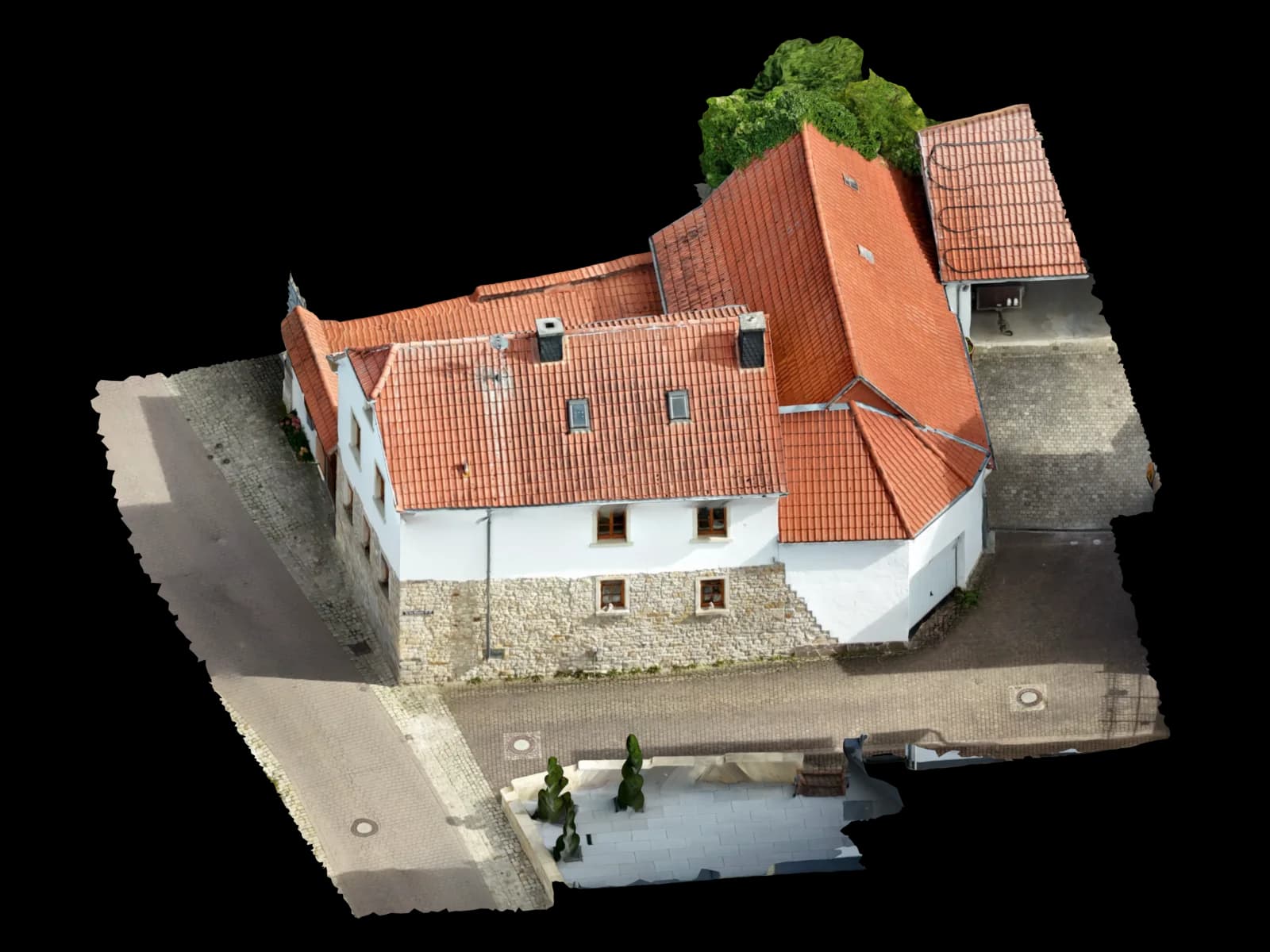
The key quality criteria for supplied photogrammetry photos
A good dataset is more than high resolution. Reconstruction needs repeatable features, consistent camera data, enough overlap, stable exposure, and complete object coverage.
Agisoft Metashape includes automatic image quality estimation and its manual highlights that poorly focused images can harm alignment and texture quality. Values below 0.5 are a useful review signal, not a replacement for expert judgment.
| Criterion | Good input | Critical | Impact |
|---|---|---|---|
| Sharpness and focus | Edges, roof lines, facade details, and textures are clear | Motion blur, focus misses, smeared details | fewer tie points, weaker alignment, softer texture |
| Overlap | neighboring images clearly share the same surfaces | large jumps, isolated viewpoints, gaps around roof edges or facades | split blocks, holes, unstable camera poses |
| Exposure | no blown-out roofs; shadows still contain structure | white areas without detail, black shadows, heavy reflections | fewer usable features and less reliable surfaces |
| Metadata | original files with EXIF/XMP, focal length, image size, timestamp, and GPS where available | screenshots, messenger compression, cropped images | weaker camera and georeferencing starting values |
Overlap, sharpness, and exposure: the three common bottlenecks
Pix4D lists 75% frontal and 60% side overlap as a baseline for standard mapping cases. Buildings, facades, difficult surfaces, and detailed roof edges often benefit from higher overlap.
Sharpness matters just as much. Strong blur, focus shifts, video frames, or high ISO noise can make otherwise well-covered images poor reconstruction inputs.
Exposure is often underestimated. For CAD and PV planning, stable edges and planes matter more than a visually dramatic image.
EXIF, XMP, and camera information: why originals matter
Photogrammetry software can estimate many parameters, but good starting information lowers risk. EXIF and XMP can contain camera model, focal length, image size, GPS, timestamps, and manufacturer calibration hints.
COLMAP notes that camera model choice affects reconstruction stability. If images are separately cropped, scaled, or altered by apps, shared camera logic becomes weaker.
For georeferenced outputs, EXIF GPS is not automatically survey-grade. It is still a useful starting point when combined with reference dimensions, GCPs, checkpoints, or known building geometry.
Which images should be removed before 3D reconstruction
More images only help when they add stable information. Strong motion blur, wrong focus, severe exposure issues, covered lenses, water drops, heavy rolling-shutter artifacts, or near-duplicates can harm reconstruction.
Mixed datasets can be valuable when kept organized. Aerial, ground, detail, and facade photos should be reviewed as technical groups before combining them.
For technical deliveries, it is often better to remove problematic photos and build a stable core model than to force every image into the process.
How Voxelia reviews supplied photos before the 3D delivery
The workflow is output-led. A viewer mesh, PV roof model, CAD orthophoto, and BIM-oriented delivery have different tolerances.
Define the target output
We clarify whether the project needs a visual mesh, roof model, point cloud, orthophoto, CAD data, or BIM-ready delivery.
Review original data
We check file format, EXIF/XMP, image size, compression, camera groups, capture sequence, and visible edits.
Assess coverage and quality
Sharpness, exposure, overlap, facade coverage, roof edges, occlusions, and difficult surfaces are reviewed technically.
Remove weak images
Problem frames are excluded instead of being forced into the reconstruction.
Choose the right delivery
Depending on the dataset, we deliver a mesh, point cloud, orthophoto, DXF/DWG, viewer, or a clear recommendation for supplemental images.
Which outputs are realistic at each quality level
With sharp images, sufficient overlap, useful metadata, and clear object coverage, technical outputs such as roof models, orthophotos, point clouds, meshes, CAD bases, or BIM-ready references are realistic.
With medium quality, a viewer mesh or visual documentation may still be useful while CAD or PV geometry remains limited.
With weak quality, transparency matters. A dataset that only supports rough visualization should not be sold as precise planning data.